Using Arcus
Home
Counts, queue, checklist and the search box that starts every investigation.
4 min read
What you see
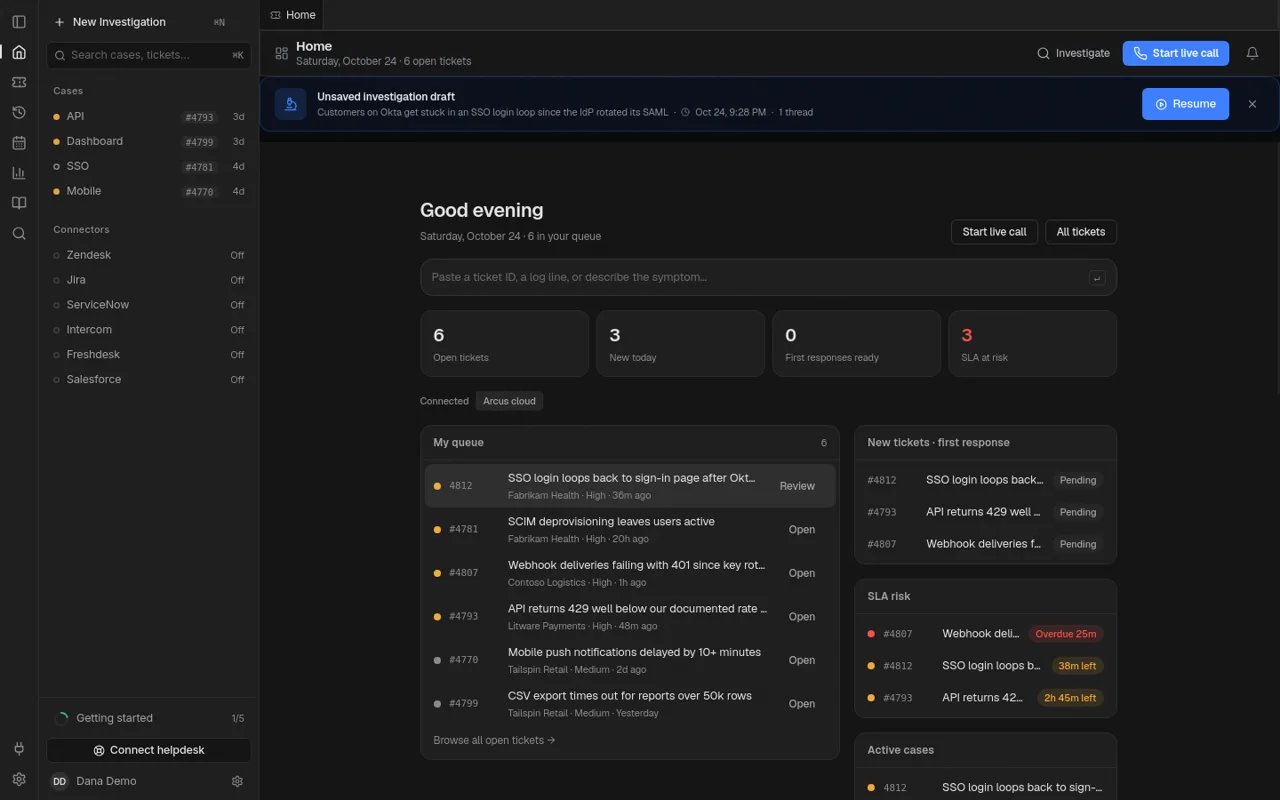
- Open tickets, new today, SLA at risk — click a count to filter.
- My queue with suggested responses when first response is on.
- Get set up checklist until connectors are connected.
- Search box: paste a ticket ID, a log line or a symptom.
No helpdesk yet
Home still shows sample tickets so you can run a full investigation before any connector is configured.